Author
Taylor Smith
Share
Author
Taylor Smith
Share
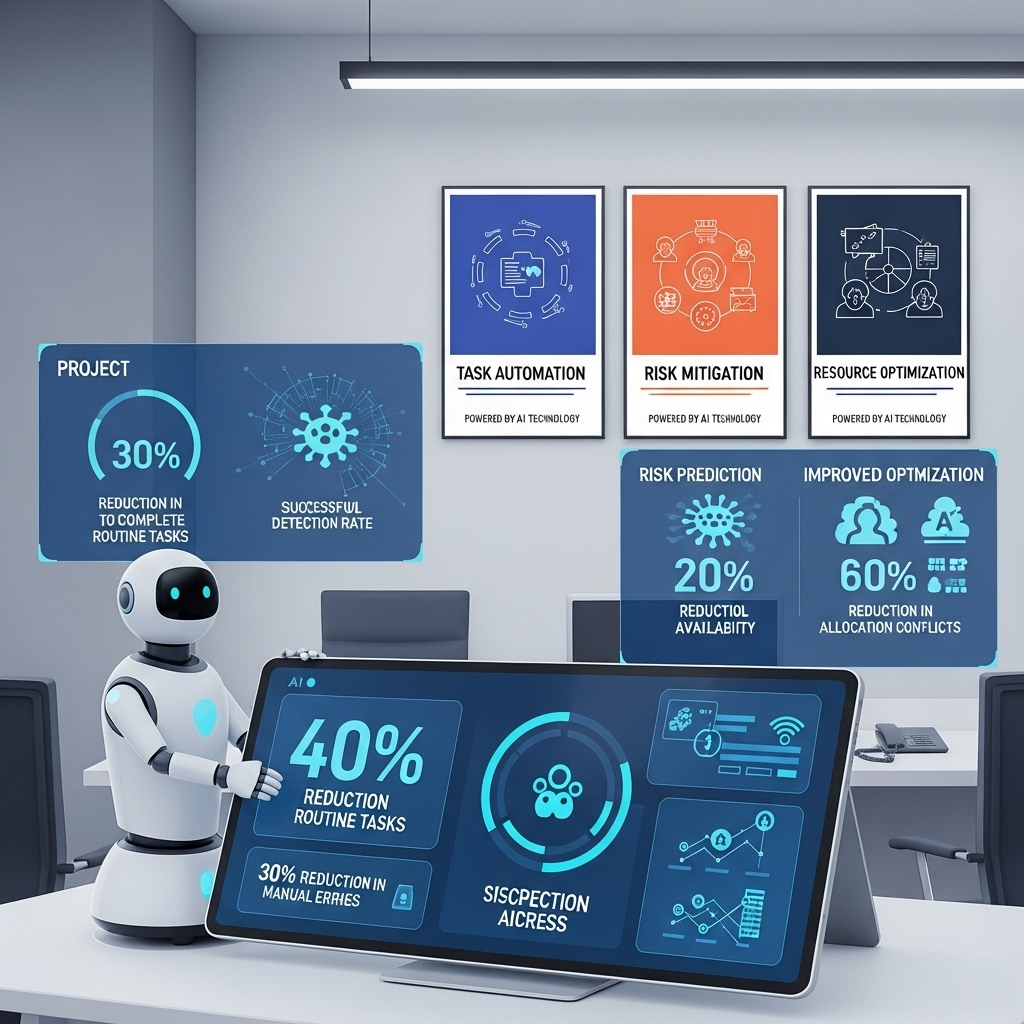
Modern technologies sometimes offer truly sophisticated solutions. It was nearly impossible to believe in the opportunity to create images at home, from scratch. Nowadays, it is possible thanks to advanced AI image generators.
Even though these tools are easy to use, they provide the exact results customer requests. When such an inquiry is incomplete, vague, or otherwise lacks details, the outcome may not be as perfect as the customer expects. This brief, yet informative review is fully dedicated to the best practices of crafting superior visual content using AI image generators.
Simple, yet Effective Practices for Better AI-Boosted Content
When you make the content generation process more organized, it can be shortened to a few attempts. The first thing not to do is to remain open to new approaches. The advanced AI image generator can create compelling visuals in a few minutes instead of hours that can be wasted on the same work when it is done manually. While you may always have time to switch between different styles and formats, the tested strategies below will help you save time and energy on creating compelling visuals faster.
Style Matters
Many people mistakenly neglect this aspect when working with different AI creators. In fact, it is helpful to specify the most preferred style. This choice will only bolster the final result and help to bring even the most non-standard ideas to life. Among other styles, users can pick photorealistic, illustration, watercolor, 3D, cyberpunk, minimalist, vintage, among others. This style choice always helps the AI tool embrace the aesthetics of your project best, whether it is for social media or business purposes.
Describe the Future Image in Greater Detail
The more specific prompts users provide, the more accurate results they can obtain. A detailed prompt will help AI understand your vision. When describing it, feel free to share as much detail as possible. You may easily add anything you find relevant. Describe the setting, background, motion, color combinations, emotions, etc. It is also worth describing lighting and some specific elements that can make your image distinct. Don’t hesitate to bring even the boldest ideas to your prompt. You will later have many opportunities to correct the image as you think this fits your content creation purpose best.
Use References
Many AI image creators allow users to upload images for reference. If you have them, it is best to follow this strategy. It will allow you to get the most personalized outcomes that are fully based on your initial expectations. Take advantage of showing the AI tool the most-referred styles, poses, colors, textures, and other elements you want to see in future pictures. These references will be adapted by the tool so the outcome could perfectly match your initial idea.
Refine Your Picture to Achieve the Best Result
The first version rarely becomes the final one. Feel free to adjust the image you have obtained as many times as possible. Alter your prompt, add details, change some elements. If you have come up with another good idea while refining your image, don’t hesitate to bring it to life. AI image creators will provide you with plenty of opportunities so you can get the exact final result you need.
Bottom Line
AI image creators provide freedom of creative expression, even for people who don’t have a previous professional background and editing skills. These tools will help users generate fully personalized, high-quality images. Instead of spending hours creating and refining images manually, you can do these things in a couple of minutes using just one AI image creator only.
- Best Practices for Using AI Image Creators
- Breast Reconstruction Physical Therapy: Essential Techniques for Post-Operative Care
- Alzheimer’s Caregiver Support: Critical Guide for Recognizing Alzheimer’s Symptoms
- TMS Therapy: Essential Guide for Choosing Services near Me
- Destin Lymphatic Massage Therapy: Essential Guide for Relaxation and Healing